If you do run into some issues that you do not see here, please reach out to our Email: Support@getgroupna.com
Known Issues
Down below are known issues that we have ran into. Please follow through the guide to avoid any issues while ordering your IDs
Importing Html tags in Country
If you use the importer and place any html tags in the Country column like <b>MA</b>. The print preview and the card itself will be printed incorrectly.
Please Avoid using html tags at all while you are creating your IDs.
Draging Fields Underneath the Rich Text Area
Certain ID's contain fields/Labels and the Rich Text on the back of the Card. If you drag any of the fields or Images onto the Rich Text Area, you will not be able to move or Rename those Fields.
The Rich Text Area usually takes up the most space on the back of the card and due to the uniqueness of it, you must not drag any field ontop of it.
Please take a look at the image below for an example. You will see a red line across the top of the Rich Text Area.
This line signifuies where the Rich Text Area starts and if any Label, Field, or Images goes across this line, you will NOT be able to move or rename that field anymore.
The Rich Text area may be in different positions on the back of the ID.
To make sure you dont cross that line, please don't place any fields below where the first line of text in the Rich Text appears.
Some ID's do not have any movable fields, images, or labels on the back of the card so you do not need to worry about those IDs.
If you do drag some fields onto the rich text editor you can still recover those fields.
To fix the issue you will need to select Customize Card on the left navigation menu. This will bring you back to the previous step. From there you will select Arrange Layouts on the left navigation menu.
Once the Arrange Layouts page loads, you will see the original ID again.
You will lose all of your current progress on the Arrange Layouts, but since the ID was revert back to its original design, the placements of the fields, images, and label will also be revert back allowing you to move and rename them again.
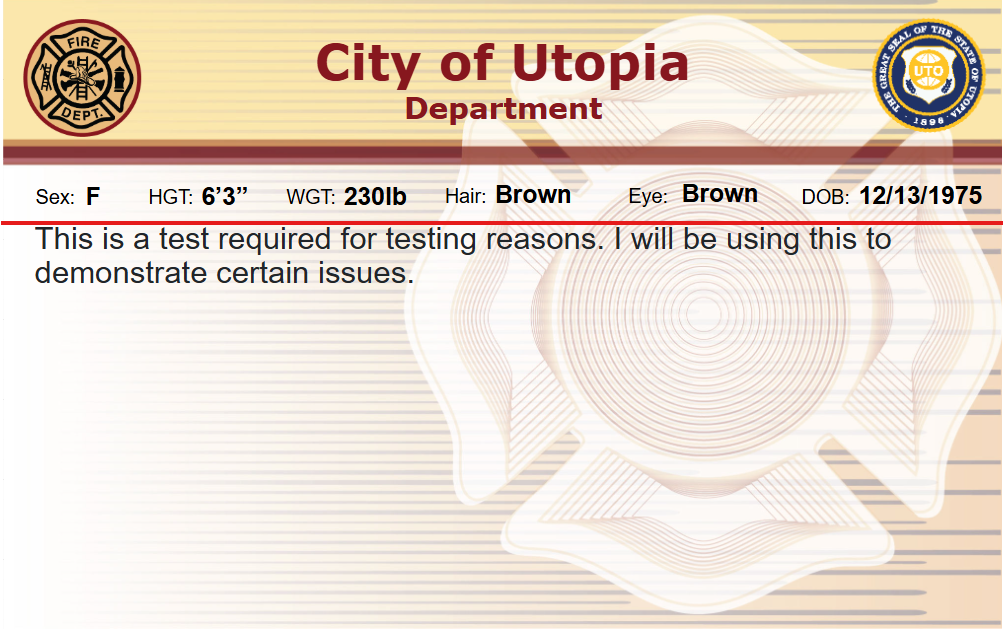
Differences of the Rich Text between the Liver Rendering and Print Preview/Printed Cards
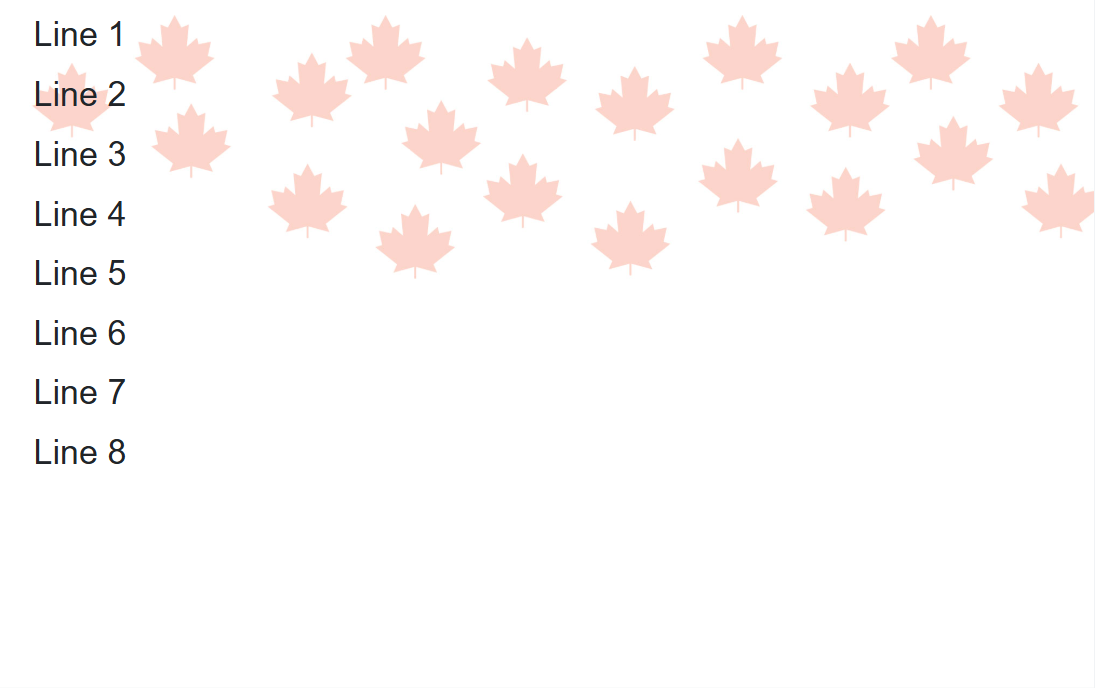
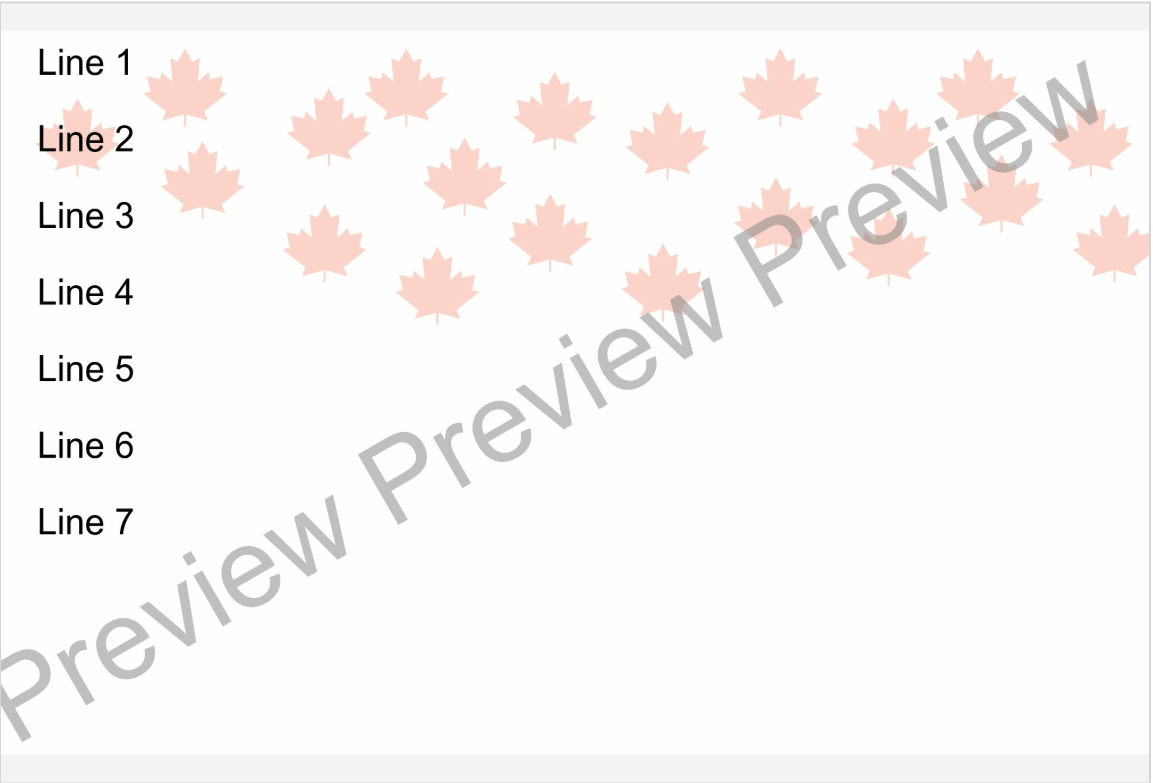
When an ID is printed, the ID will be printed exactly like the print preview. The issue is that the Live Rendering of the Rich Text is slightly difference. Depending on if you are using different text sizes or line breaks, the spacing between the text may appear different between the live rendering and the rich text. Due to this, the text will appear differently, or may get cut off.
We recommend that you check the print preview as well on the Review Applicant page to make sure the Rich Text appears correctly on the back.
Down Below are a few example of what happens if you leave it as is.
Live Rendering:
Print Preview:
If you would like to modify the Back of the ID, please head over to Edit Saved ID from the main page.
Select the ID you where using.
Click Back on the customize Card page.
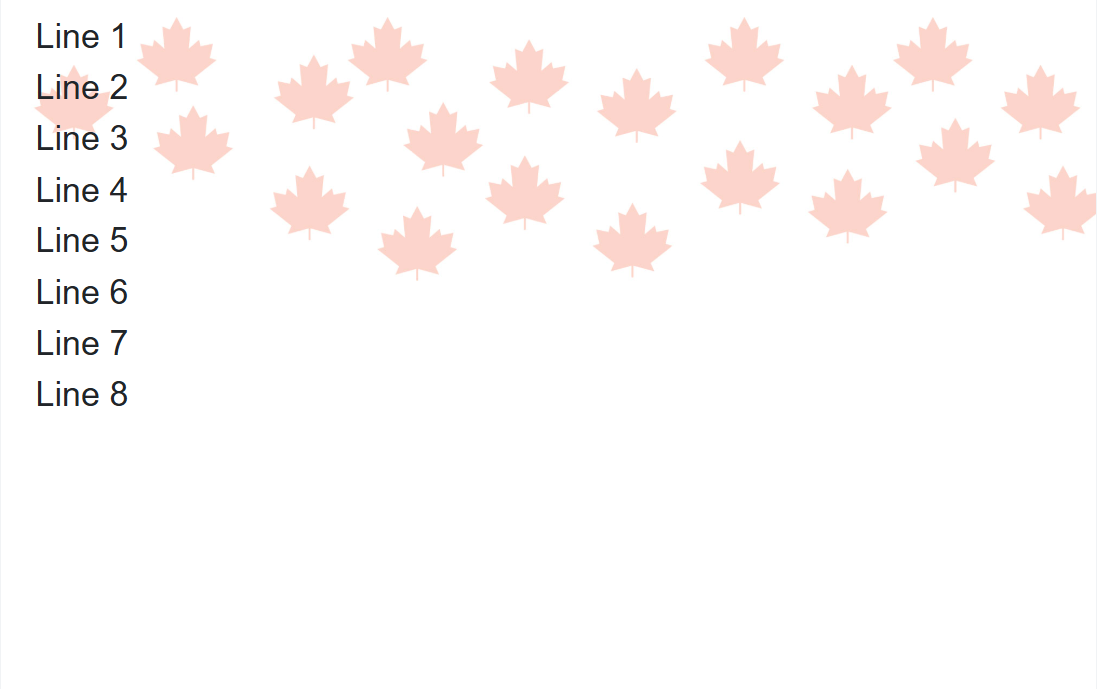
Using text font sizing or Line breaks, you can decrease the size of the text allowing for all all the text to fit in correctly in the Rich Text Area.
Live Rendering:
Print Preview:
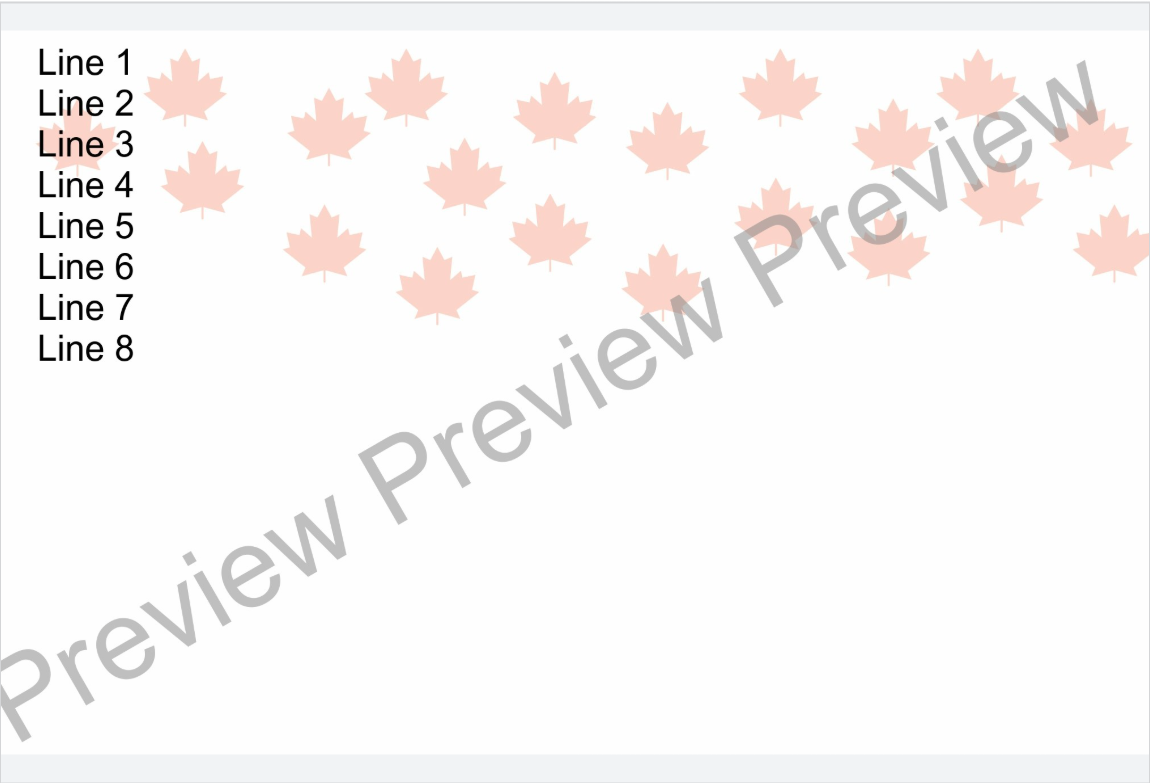
As you see above, there is still a difference between the Live Rendering and Preview, but this will give you more space and make sure none of the text will be cut off.